Days
Hours
Minutes
Seconds

Answer Every Door with

Confidence!

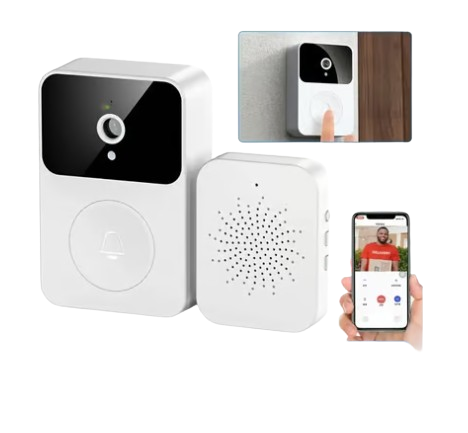
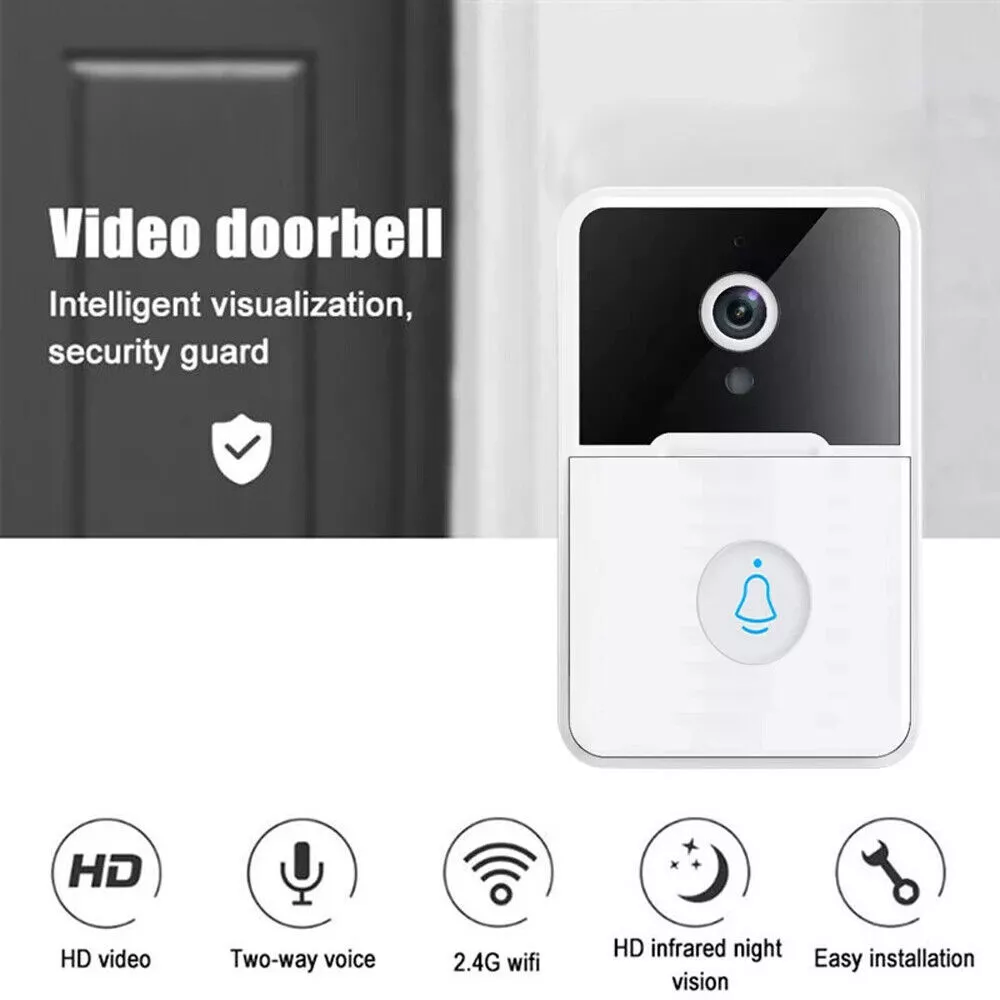
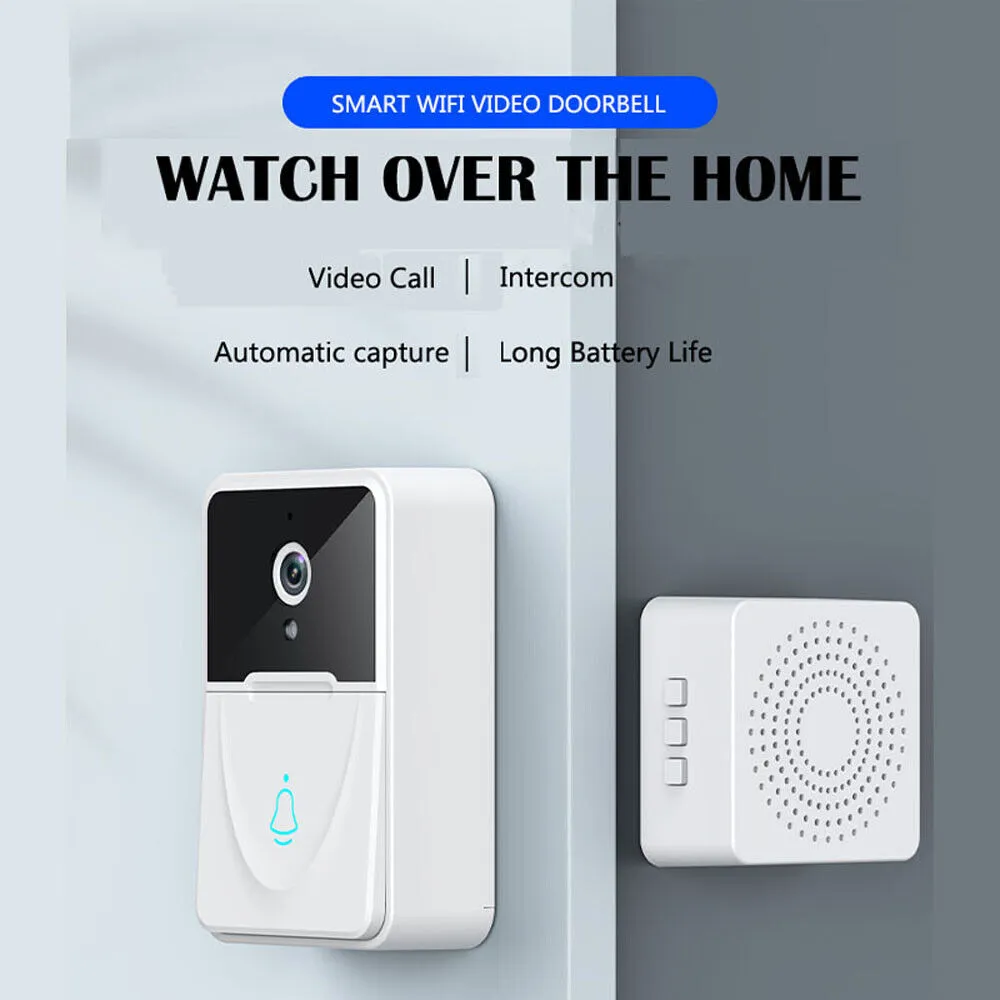
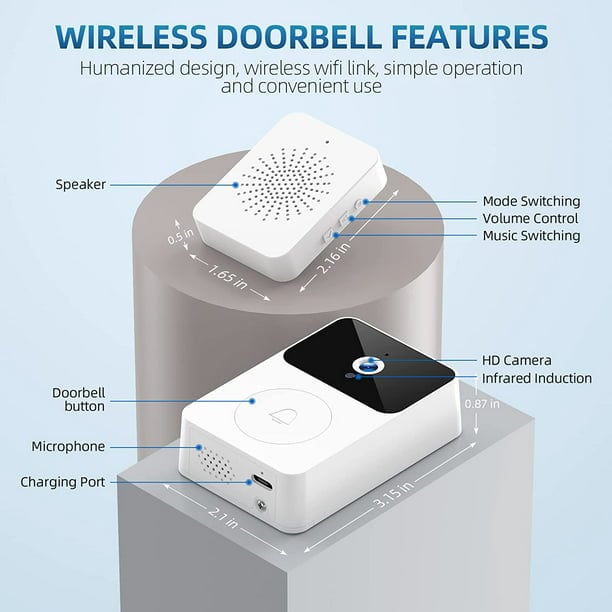
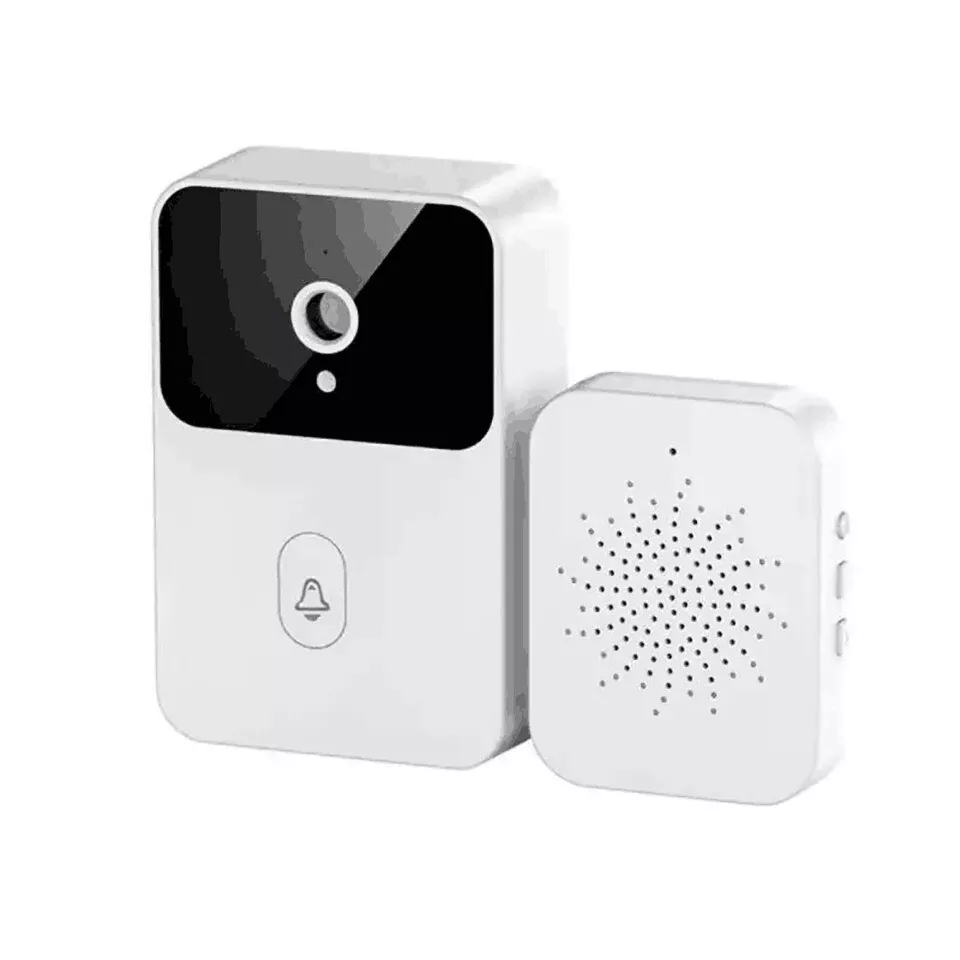
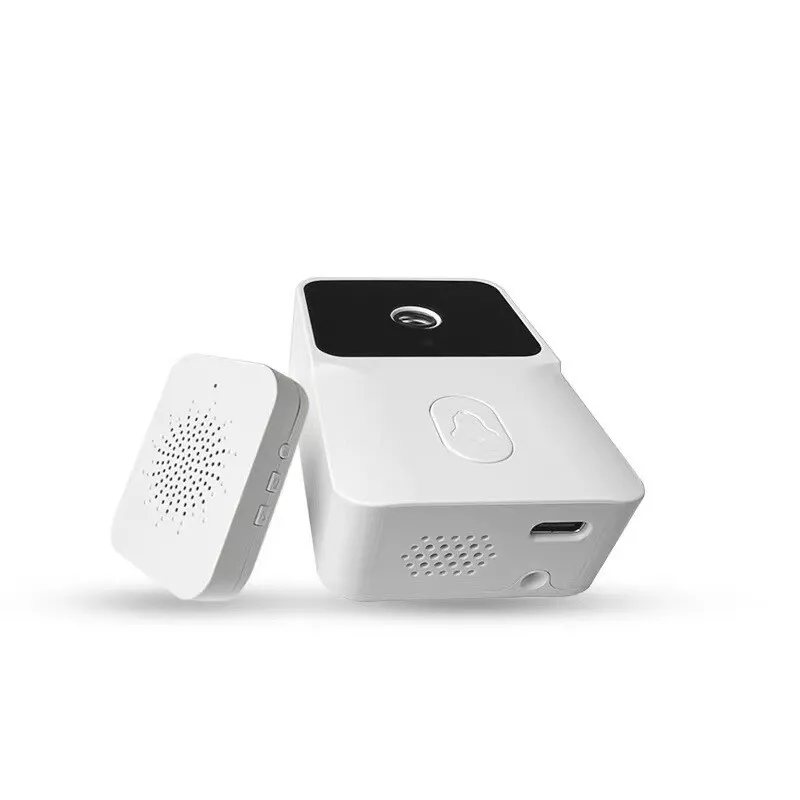
Protect your home with the wireless doorbell featuring a Full HD camera and night vision. Two-way audio, instant notifications and easy installation in 5 minutes.

BUY 1 FOR ₦70,000 TODAY

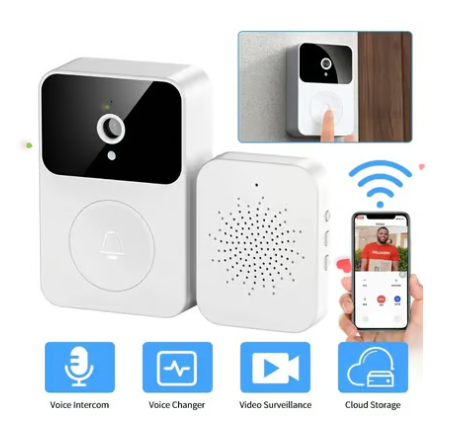
Voice Intercom
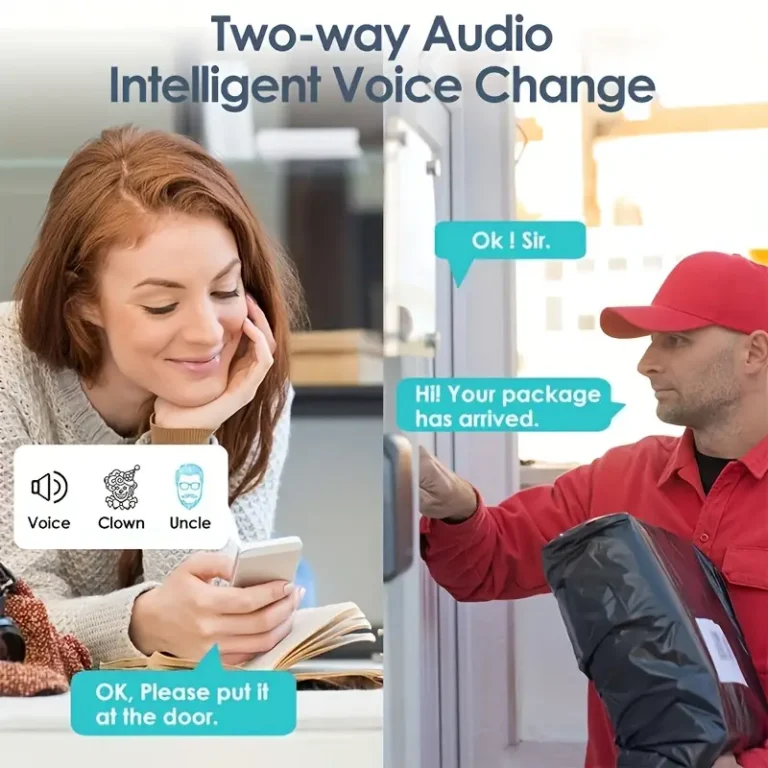
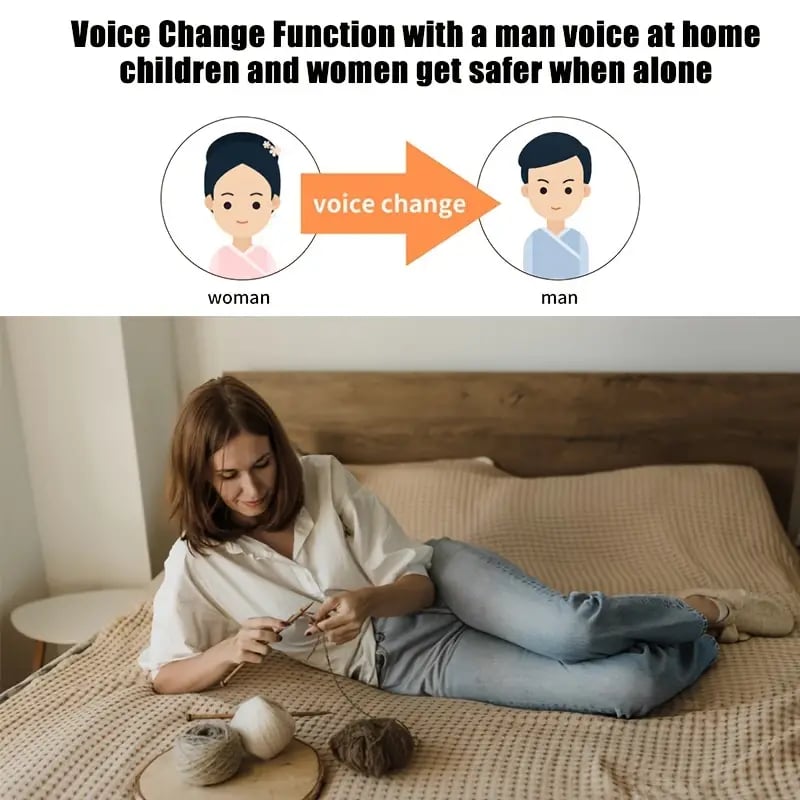
Voice Changer
Video Surveillance
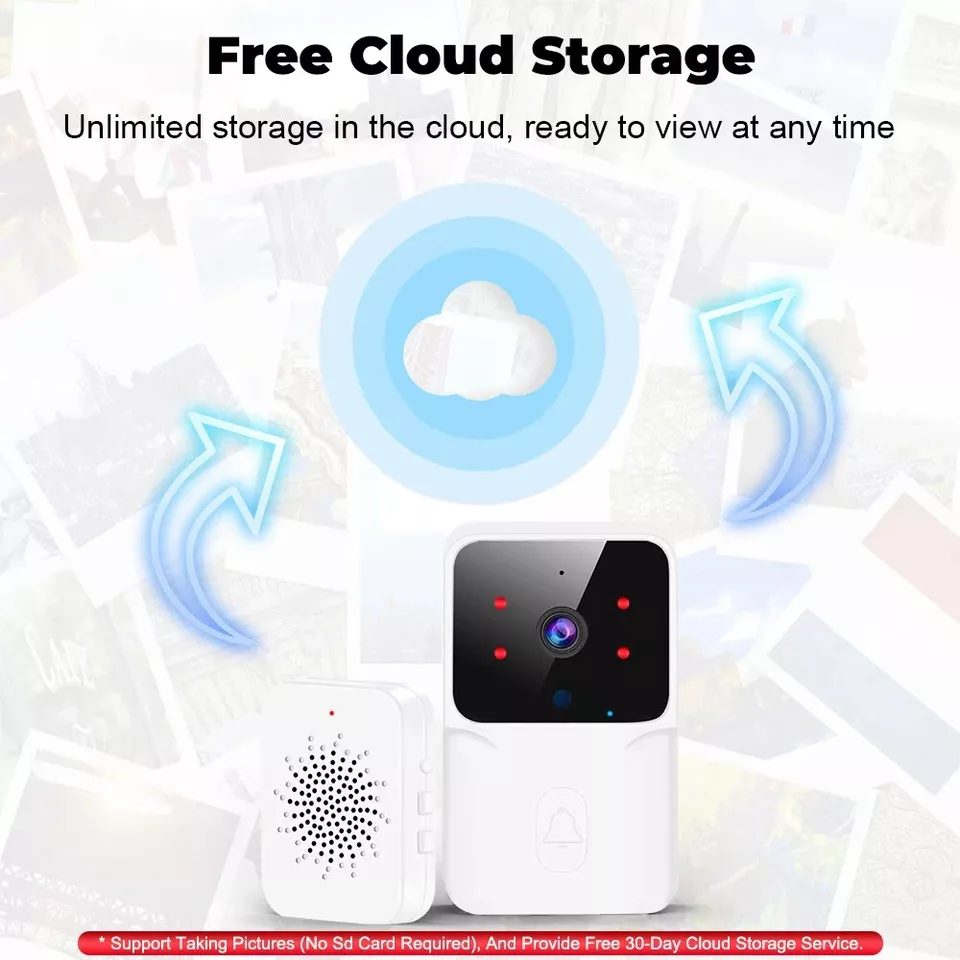
Cloud storage

Upgrade Your Viewing Experience

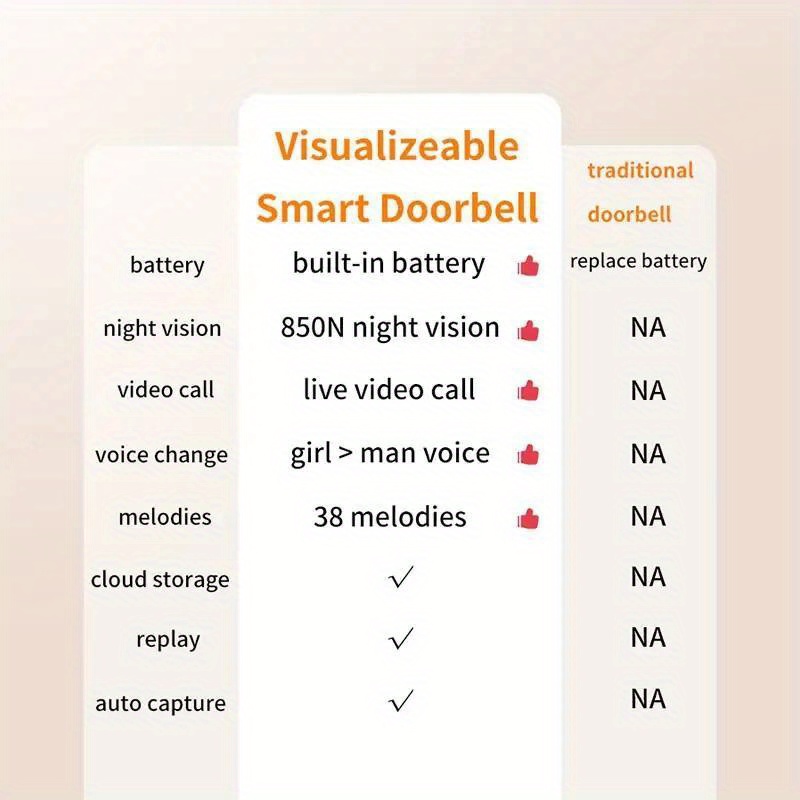
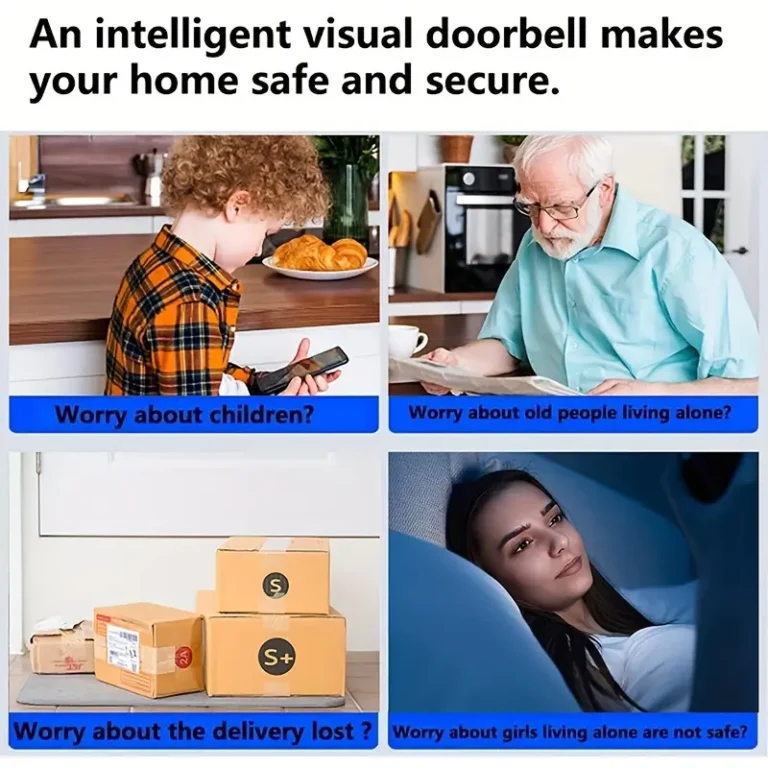
7 Reasons Why You Need This Smart Wireless Doorbell

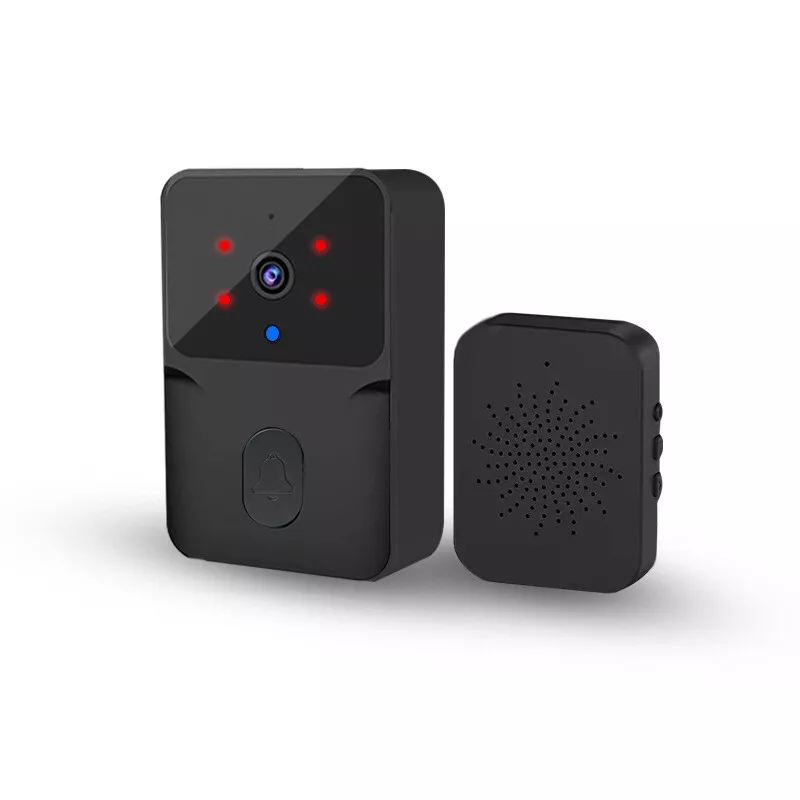
Sharp & Clear Images, Day or Night

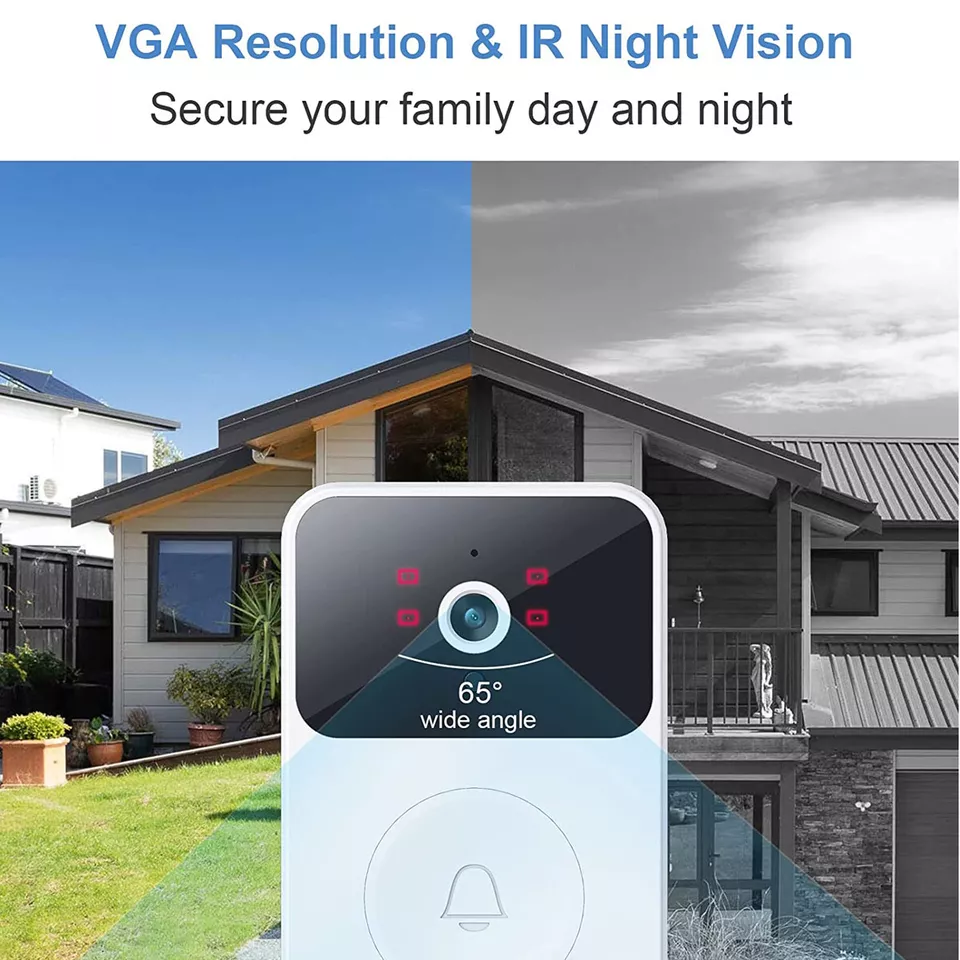
With Full HD 1080p resolution and infrared night vision, no movement goes unnoticed – even when NEPA takes light!

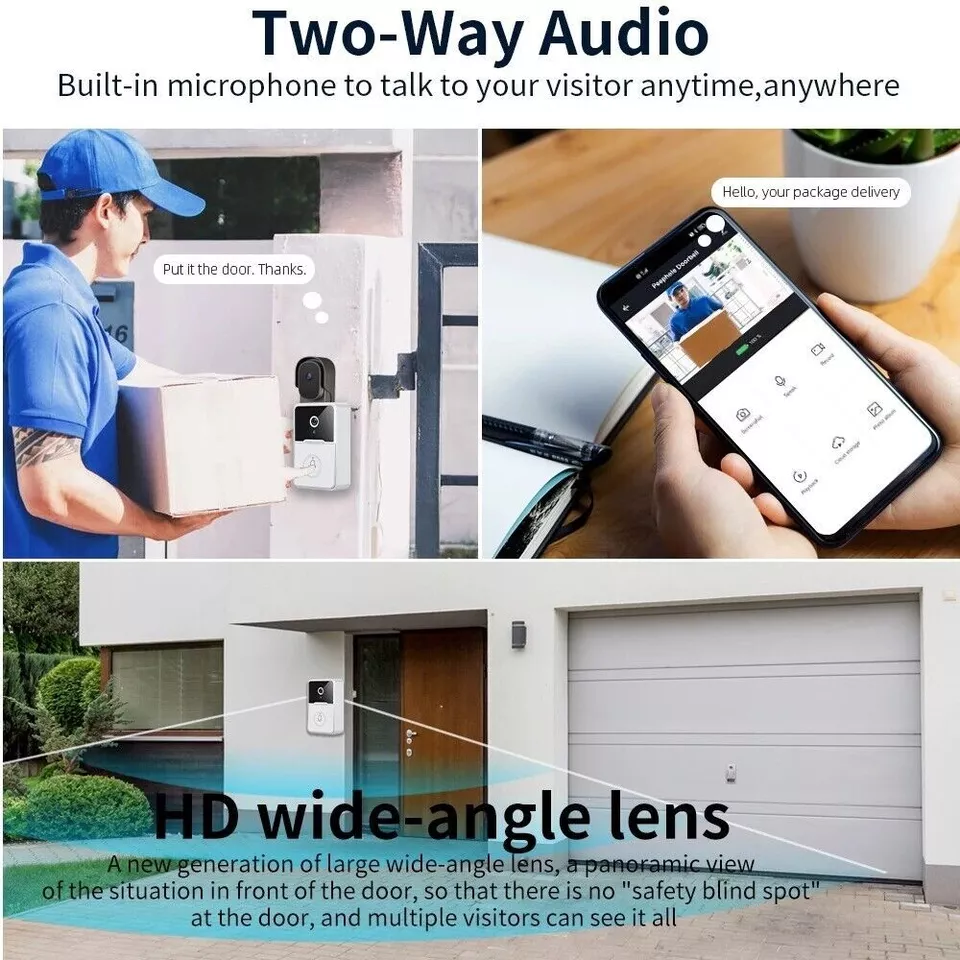
Talk to Visitors Anytime, Anywhere

Thanks to two-way audio, you can greet delivery guys, shoo off unwanted guests, or gist with family right from your phone.

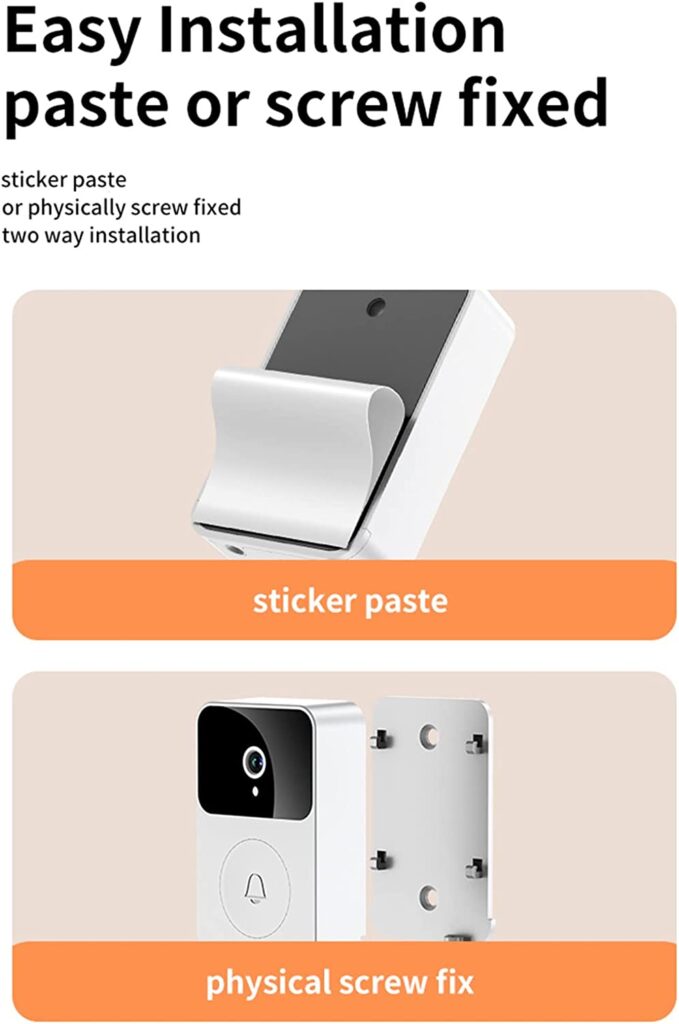
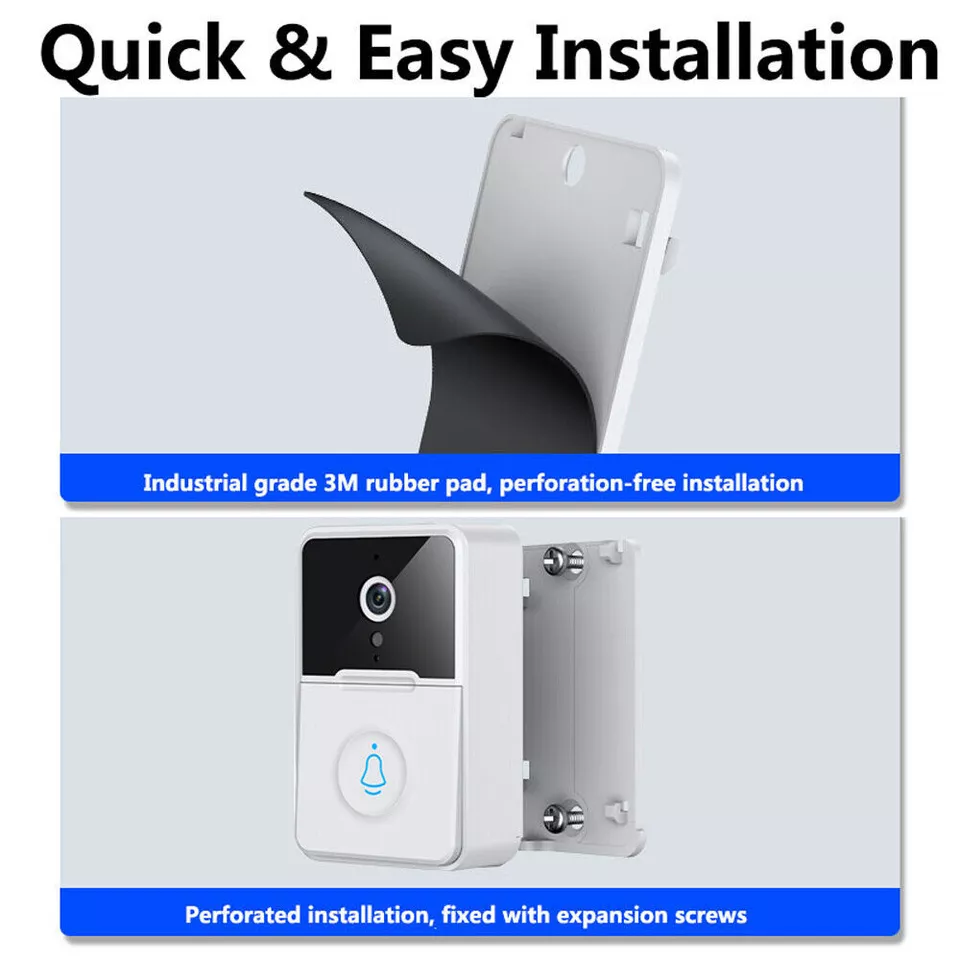
Stress-Free Installation

No tools, no wahala. Set it up in less than 5 minutes and enjoy peace of mind immediately.

Monitor Live, Anytime You Want


With Wi-Fi connectivity and a handy app, you can check your front door live, whether you dey house or travel.

Get Alerts, Stay in Control

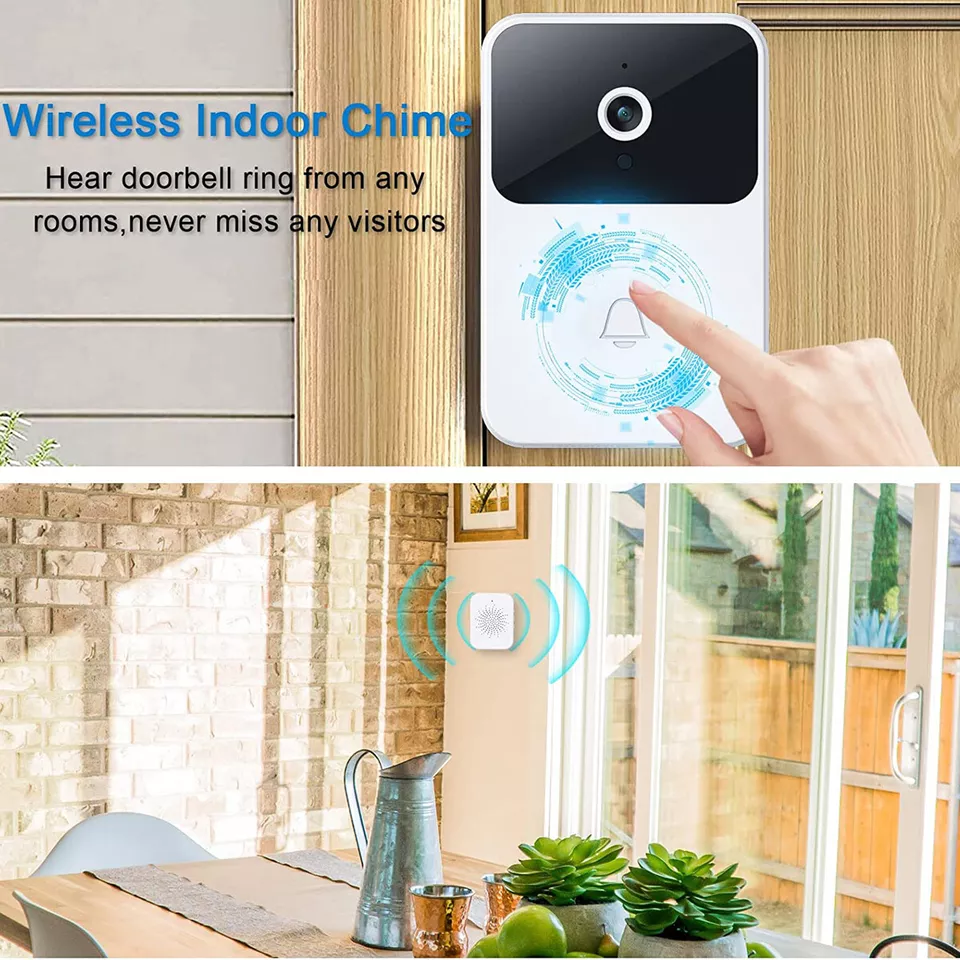
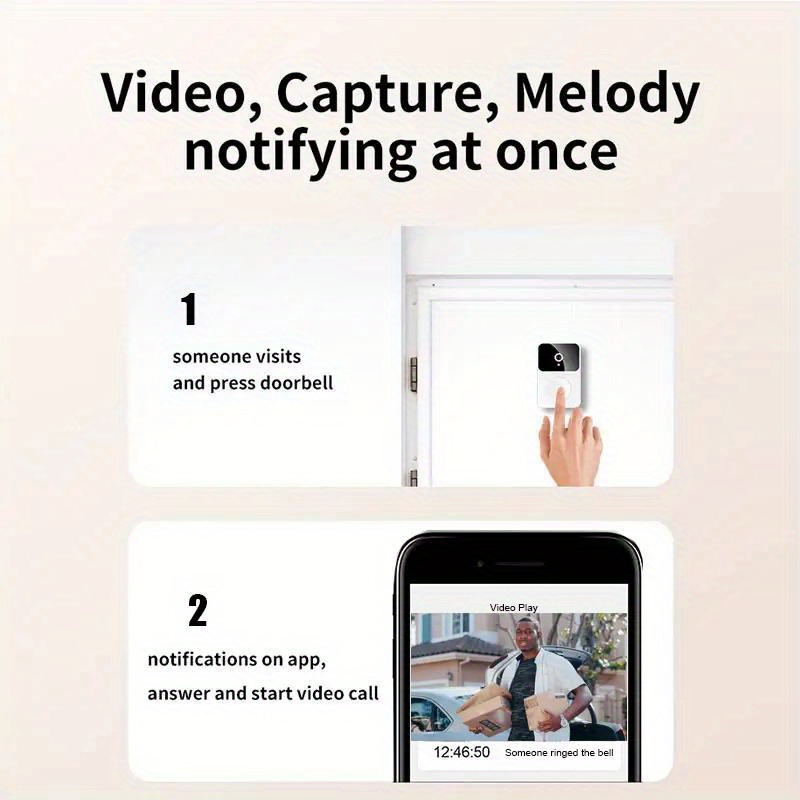
Whether it’s a visitor or motion detection, get instant notifications on your mobile. You no go ever miss who dey front door!

Safety Made Affordable

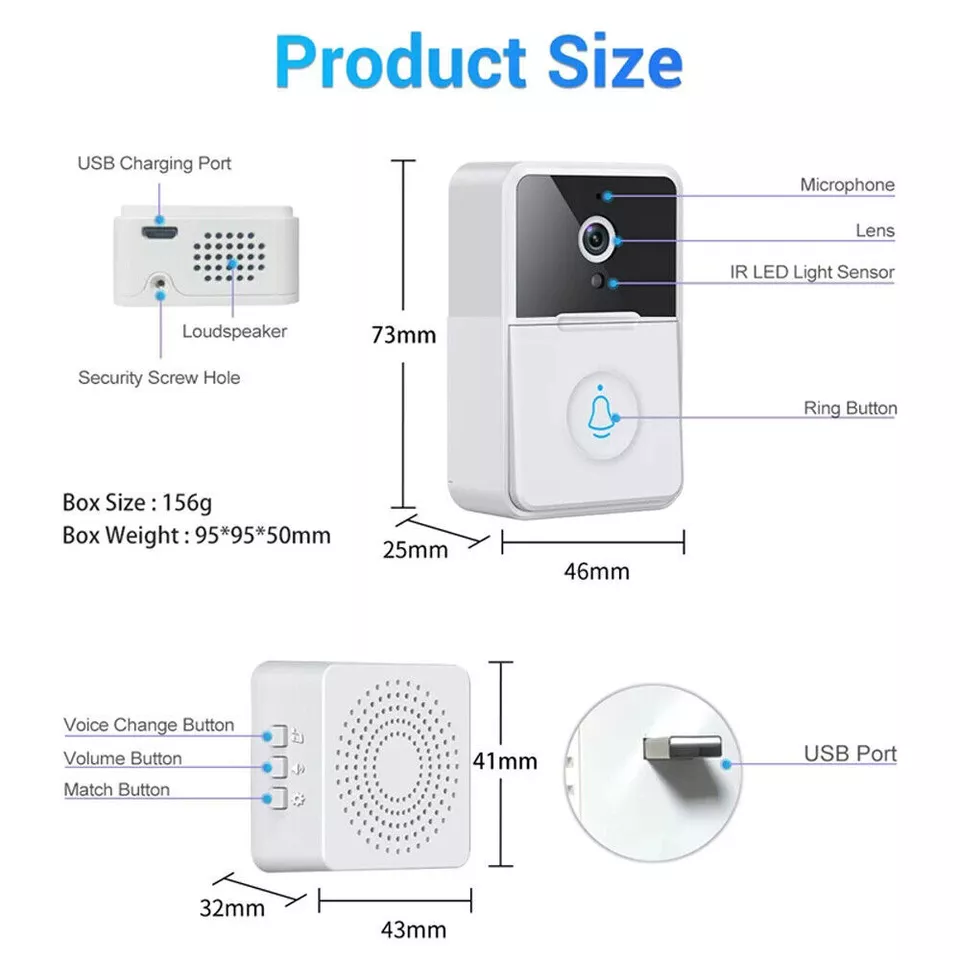
Small but mighty! This sleek doorbell fits any home and is built with strong ABS material to last through Naija weather.

Get Alerts, Stay in Control

Whether it’s a visitor or motion detection, get instant notifications on your mobile. You no go ever miss who dey front door!

Bring The Cinema Into Your Home

Hurry! Offer ends soon – only a few units left at this discounted price!

Setup and Configuration

Our Customers, Our Biggest Fans

How It Works

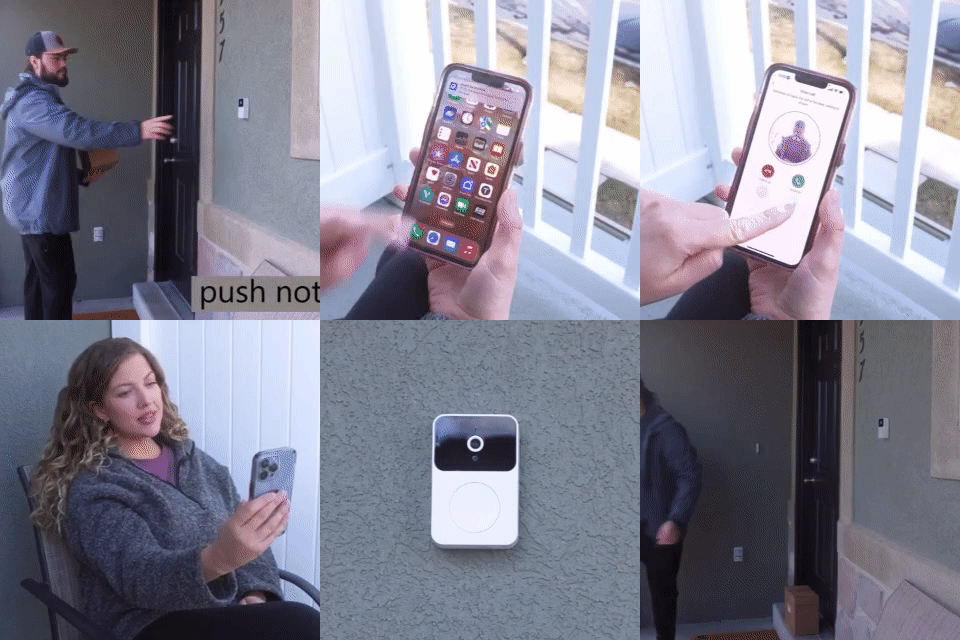
Enable Notifications on Your Phone

Open your phone’s Settings and click Notifications. Scroll to find X Smart Home and turn on Allow Notifications. Enable Lock Screen, Notification Center, Banners, Sounds, and Badges. Once done, press the doorbell to confirm notification push works perfectly!

Set Up the Doorbell on X Smart Home

Open the X Smart Home App and click Device Setup. Select Sharing Device and generate a QR code for your device. You’re now ready to link it to other users!

Share the Device with Another Phone

On a second mobile phone, open the X Smart Home App and log in with a different account. Click the + icon, select Scan, and use the camera to scan the QR code from the first phone. A successful sharing prompt will confirm that both devices are connected.

Enjoy Seamless Push Notifications

Now, both phones can receive instant alerts when the doorbell rings or detects motion. Note: Only one user can answer the doorbell at a time to ensure smooth communication.

Smart Security for Every Budget – Buy More, Save More!

Buy 1 for ₦70,000

The ultimate bundle for securing your home from every angle.
360000
70,000
  • Free Delivery
  • Payment On Delivery
  • 1-Year Warranty Included
22% OFF
Days
Hours
Minutes
Seconds

Buy 2 for ₦130,000

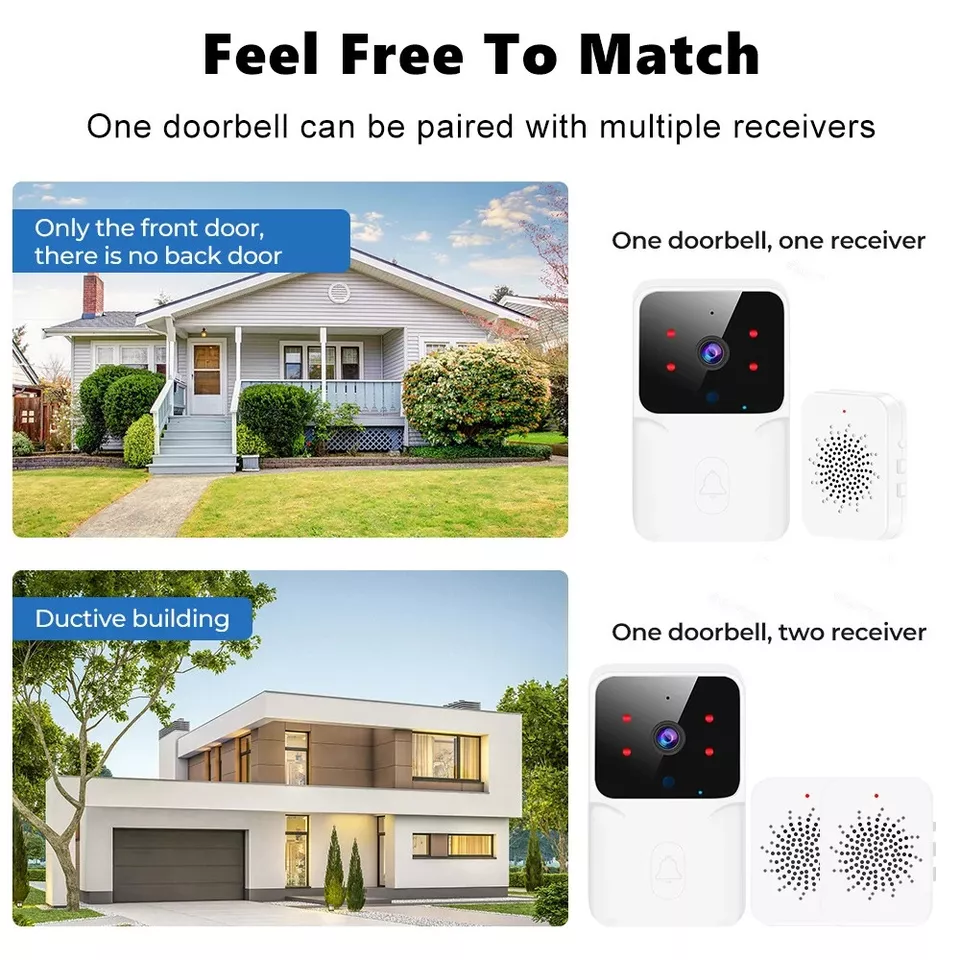
One for your front door, another for the back gate or give to a loved one!
240000
₦130,000
  • Free Delivery
  • Payment On Delivery
  • 1-Year Warranty Included
22% OFF
Days
Hours
Minutes
Seconds

Buy 3 for ₦180,000

Perfect for small homes or apartments.
120000
₦180,000
  • Free Delivery
  • Payment On Delivery
  • 1-Year Warranty Included
22% OFF
Days
Hours
Minutes
Seconds

Place Your Order Below

Frequently Asked Questions

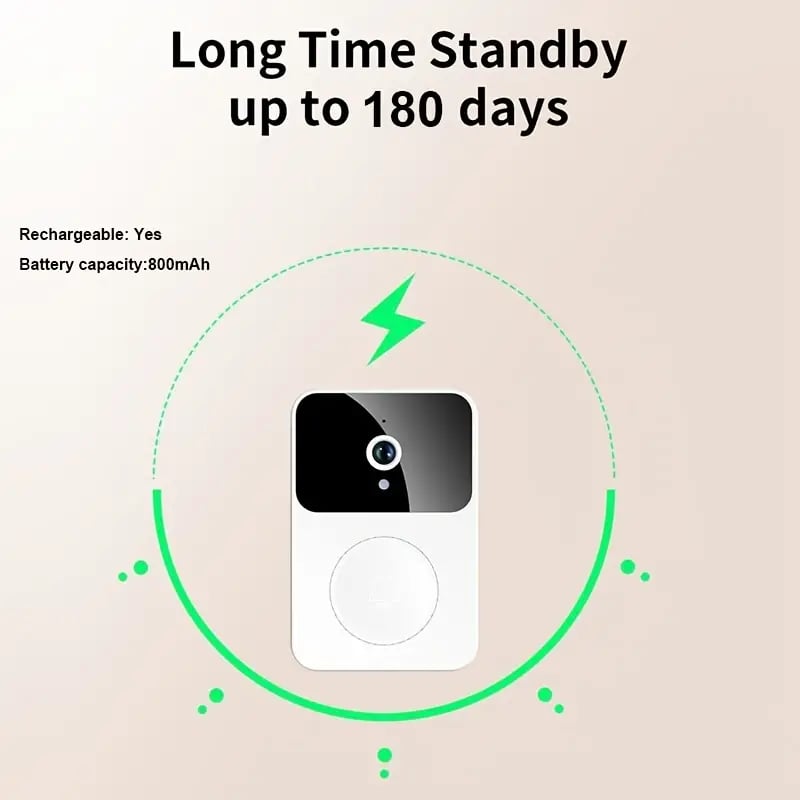
Yes, it does! The doorbell is wireless and battery-powered, so it continues to function even if NEPA strikes. Just ensure the battery is charged, and you’re covered.


Absolutely. You can share access by generating a QR code on the app and scanning it with another phone. However, only one user can answer the doorbell at a time.


Yes! The infrared night vision feature ensures you get clear visuals even in complete darkness. Perfect for 24/7 security.

Yes! you”ll receive instant push notification for motion detection or when some one rings the bell. Make sure you enable notifications in your phone setting for the app.

You cannot copy content of this page